AI model finishing · Optimize your AI assets
Optimize AI-generated 3D assets for mobile, VR and web
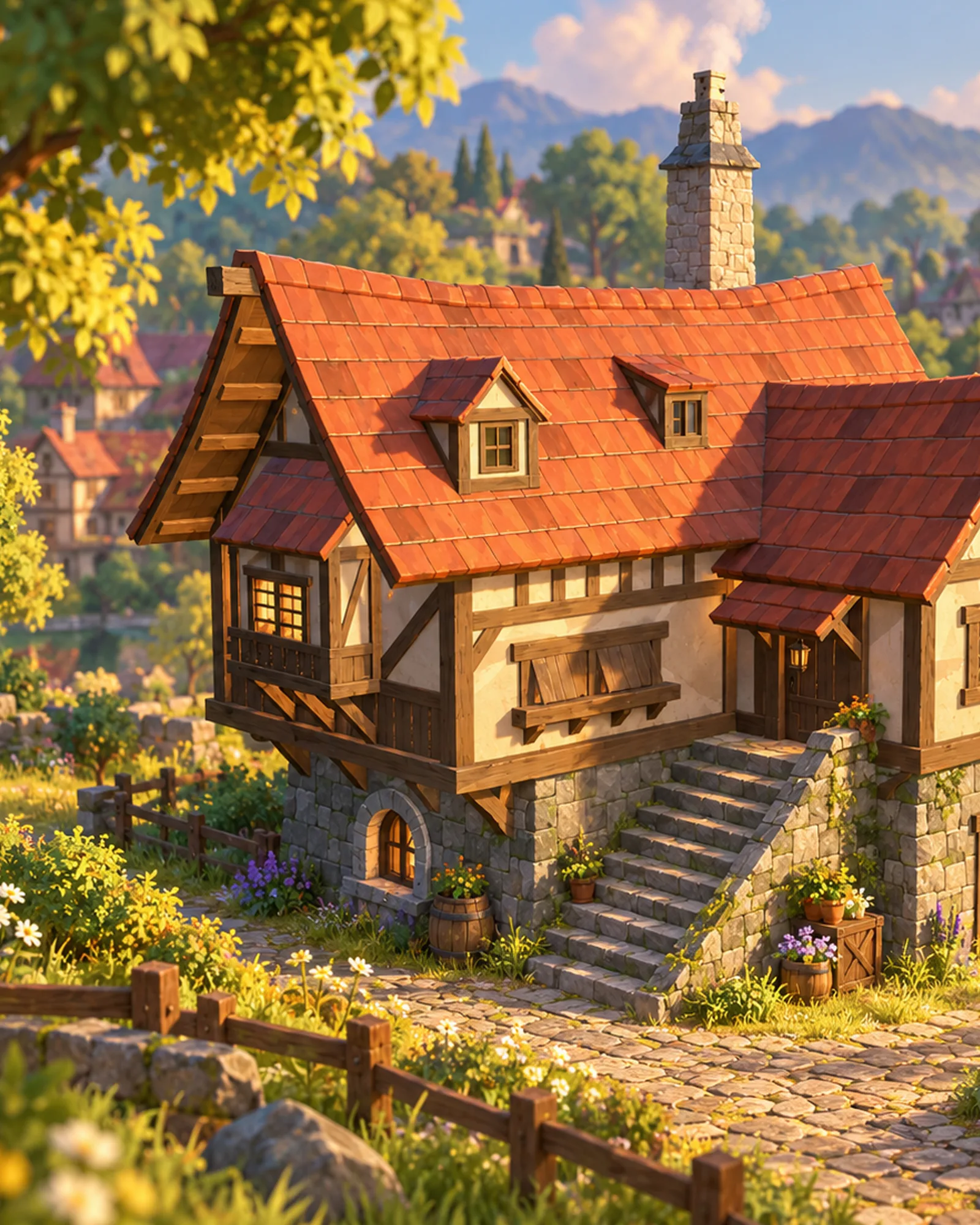
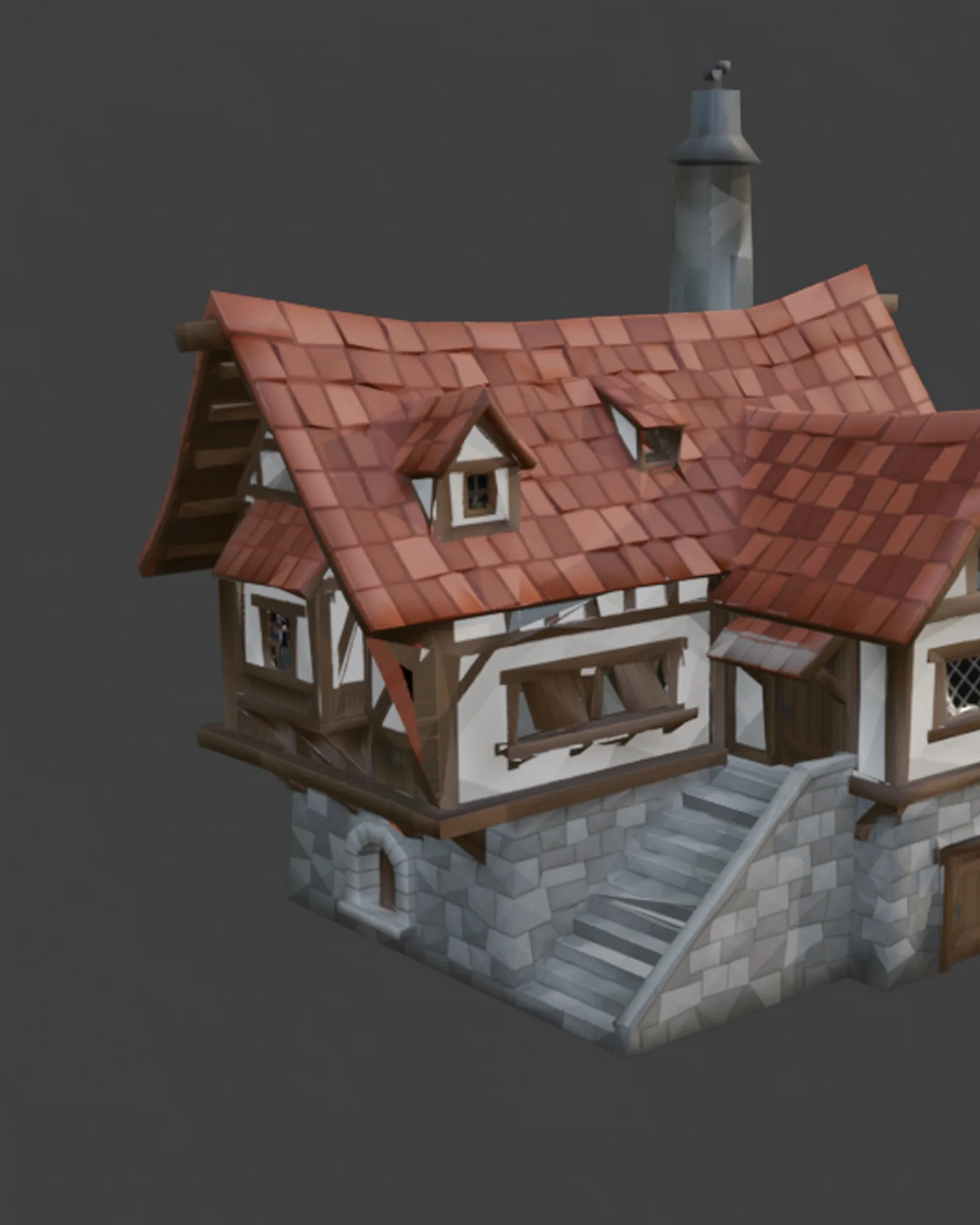
Your AI-generated assets reduced to a polygon and texture budget your platform can run, with LODs, shared atlases and consistent naming, for single assets or whole packs.
- Platforms
- Mobile · VR · Web · PC / console
- Work
- Poly budgets · LODs · Atlases
- First reply
- within 12 hours
The problem
It works. It’s just far too heavy.
Generators don’t know your platform. A single export can carry more triangles and texture memory than a whole mobile scene should, and a pack of them will stall a VR headset or a web page. One click decimation usually wrecks the silhouette and the UVs. Optimization means deciding what each asset needs to look right at the distance it’s seen, and cutting everything else.
Sound familiar?
- The frame rate drops as soon as a few assets are in the scene
- Huge files and long load times on web and mobile
- Every asset with its own large textures and materials
- Automatic decimation that breaks silhouettes, UVs and shading
- No LODs, so distant objects cost as much as close ones
- A pack with inconsistent scale, pivots and names
Why it happens
Draw calls often matter more than triangles
Polygon count gets the attention, but on mobile, VR and the web the number of separate materials can hurt more. Every material is another draw call, and fifty props with fifty materials cost more than fifty props sharing one atlas. That’s why optimizing a pack usually starts with materials and textures, not with decimation.
Detail you can see, at the distance you see it
A crate seen from ten meters away doesn’t need the triangles of a hero weapon in first person. We set budgets per asset by how big it appears on screen, bake the lost detail into normal maps, and add LODs so distant copies cost almost nothing.
Proof in numbers
Every job ends with a table of triangles, texture memory, file size and draw calls before and after, measured on your assets in your engine.
What we fix
The work, part by part
- 01
Polygon budgets
Each asset rebuilt or reduced to an agreed triangle budget for your platform, keeping the silhouette.
- 02
Normal map baking
Detail from the original baked into normal maps, so the light mesh still reads as detailed.
- 03
LODs
Levels of detail per asset with sensible switch distances, or Nanite settings in Unreal where that suits the asset better.
- 04
Atlasing and resizing
Textures sized to what the camera sees, and packs combined into shared atlases and materials to cut draw calls.
- 05
PBR cleanup
Generated textures converted to proper PBR maps, with baked-in lighting removed.
- 06
Consistent packs
Shared scale, pivots, naming and texel density across every asset, so a pack behaves like a set.
- 07
Measured results
Triangles, texture memory and draw calls recorded before and after, and checked in your engine.
What you get
Files you can import today
- Optimized assets as FBX or GLB, with LODs
- Shared texture atlases or per-asset texture sets, sized to your budget
- A before-and-after table: triangles, texture memory, file size and draw calls
- Screenshots of the assets in your engine at their real viewing distance
Limits
When we’ll tell you no
We would rather turn a job down in the free review than deliver something that doesn’t work for you.
- Optimization keeps the look, not every detail. Very small details may be baked into textures or removed; we agree what matters first.
- If an asset’s shape or topology is broken, it needs repair first (see Fix your AI model).
- We measure performance in a test scene. Your final frame rate also depends on your lighting, shaders and code.
- Automated checks are only a first pass. The visual result is judged at the distance players see it.
Your quote
What affects the price
No two jobs are the same, so we don’t publish prices. After a free review of your brief you get a fixed quote and a delivery date. You pay 50% upfront, refundable until work starts. How we quote →
- The number of assets, and how similar they are
- How far each one has to be reduced
- Whether LODs, atlases or Nanite setup are needed
- Whether the textures must be rebuilt as PBR
- Your platform and budgets
- Your deadline
Workflow
From upload to tested delivery
The quote gives a fixed delivery date before any work starts.
- 01
Send the assets
The files, your platform, and any budgets you already have.
- 02
Free review and fixed quote
We measure the assets, propose budgets and reply with a fixed price and a date.
- 03
Pilot asset
One asset optimized first, so you can check the quality before the batch.
- 04
Batch optimization
The rest of the pack, with shared atlases, LODs and consistent naming.
- 05
Engine check and delivery
Checked in your engine and delivered with the before-and-after table.
Evidence
Related work
FAQ
Questions about this service
What polygon budget should I aim for?
It depends on the platform, how many assets share the screen and how close the camera gets. Tell us the platform and the scene, and we’ll propose per-asset budgets in the quote.
Why not just run a decimate modifier?
Automatic decimation is fast but blind: it removes detail evenly, so silhouettes break, UVs stretch and shading gets faceted. We use it where it works, rebuild by hand where it doesn’t, and bake the lost detail into normal maps.
Do I still need LODs in Unreal with Nanite?
Nanite handles dense static meshes well, but it doesn’t suit every asset or every platform, and mobile and VR targets often still need classic LODs. We recommend one per asset for your engine version.
What is a texture atlas, and why does it help?
An atlas packs the textures of several assets into one image so they can share a material. Fewer materials means fewer draw calls, which often matters more for frame rate on mobile and VR than polygon count.
Can you optimize a whole asset pack?
Yes. We optimize one pilot asset first for your approval, then the rest, with shared atlases and consistent naming, scale and pivots across the pack.
How do you protect my files and intellectual property?
Your files stay confidential, and we can sign an NDA on request. We only show your project in our portfolio if you opt in. Source files are deleted 90 days after delivery.
Get a quote
Tell us about your project.
A few short questions, your files or reference links, and a budget range. We reply within 12 hours.
Get a quoteThe quote form will ask
- Target platformMobile · VR · Web · PC / console
- How many assets?1 · 2–20 · 21–100 · More than 100
- Triangle or texture budget
- Do you need LODs?Yes · No
- Which engine?Unity · Unreal · Godot · Three.js / web · Other
Questions without “required” are optional. “Not sure” is a fine answer.
NDA on request. Your files are confidential and deleted 90 days after delivery.
Last updated: